

Faire · SEO
How to Optimize a Faire Store: A Practical Guide for Wholesale Brands
6 min read · 9 Oct 2026
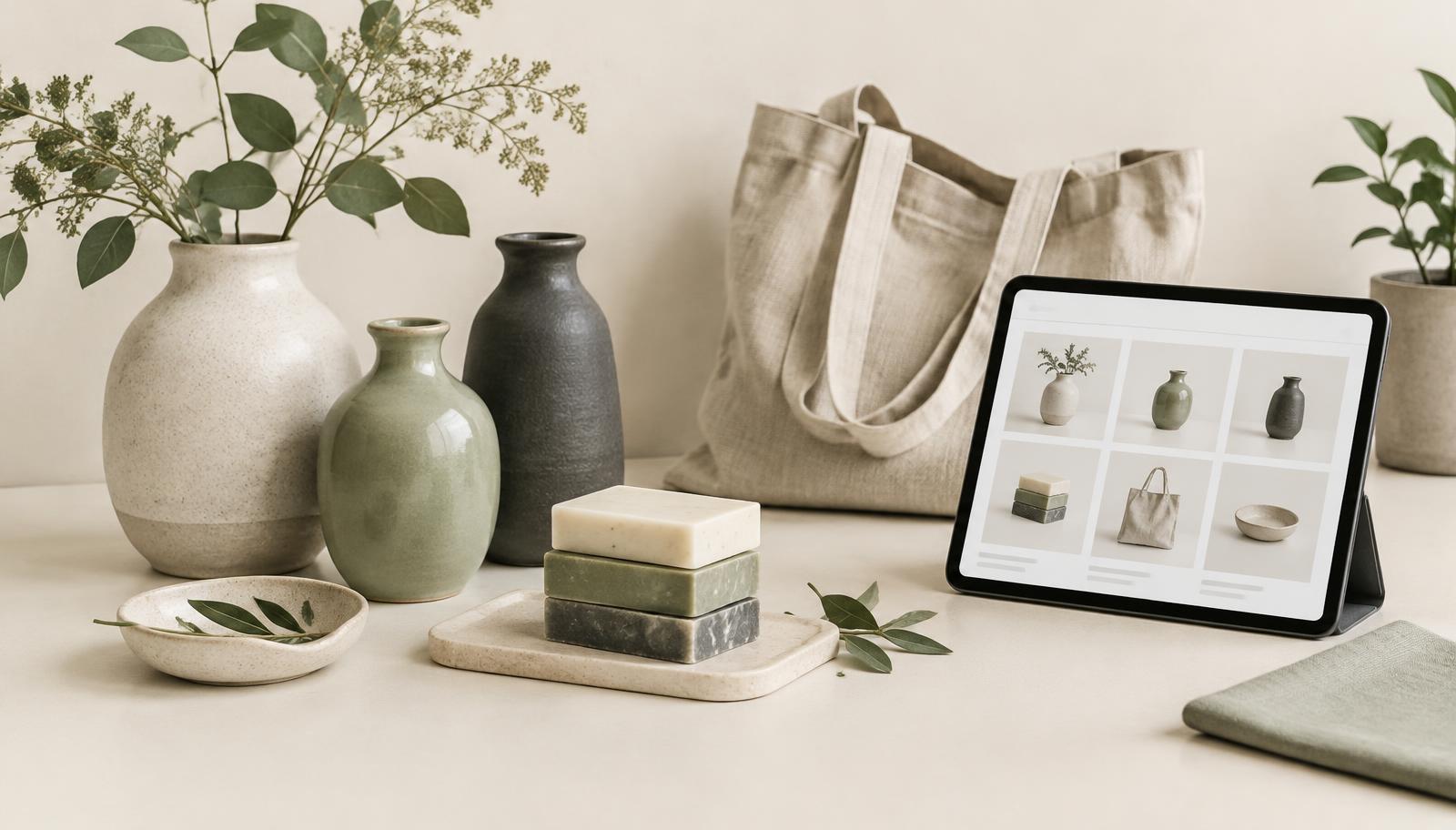
A step-by-step guide to optimizing a Faire store: storefront basics, product titles and photos, collections, wholesale terms and how to use your brand portal data to decide what to fix next.
A Faire store does two jobs at once. It has to help retailers find your products, and it has to convince them, quickly, that your brand fits their shop. Most stores we review do one of those well and neglect the other.
This guide walks through the parts of a Faire store a brand can actually control, in the order we usually tackle them. It sticks to what Faire has said publicly and to practical shop-keeping; it doesn't guess at hidden ranking rules.
Start with what retailers see first
Before changing anything, look at your store the way a buyer does. Open your storefront on a phone and a laptop and ask three questions:
- Within a few seconds, can a retailer tell what you make and what kind of shop it suits?
- Are your strongest, current products the first ones they see?
- Is anything out of date: last season's products, old banners, discontinued items?
Write down the answers. They become your first list of fixes.
Step 1: Make the brand story short and specific
Retailers browse many brands in one sitting. A brand description that says "we make beautiful things with love" gives them nothing to decide with. A better one states what you make, what it's made from, who typically stocks it and what makes it sell through.
For example: "Hand-poured soy candles in recyclable tins, stocked by gift shops, boutiques and home stores. Six core scents that sell all year, plus seasonal releases each quarter."
Step 2: Fix product titles before anything else
Faire describes its search as a machine-learning system that personalises results and considers over 100 factors, and its guidance points to product information as one of the areas brands control (Faire Help Center: Understanding Search and Ranking). Titles are the most visible part of that information.
- Lead with what the product is, in the words a retailer would type: "Ceramic bud vase", not "The Luna".
- Add the most useful detail: material, size, scent or style.
- Keep collection or internal names at the end, if at all.
- Use one consistent pattern across each product type.
Our Faire product listing optimization guide covers titles and attributes in more depth.
Step 3: Complete product details and descriptions
A retailer can't pick up your product, so the listing has to answer their questions. Fill in every relevant attribute and use the description for practical information: materials, dimensions, pack size, care, and how the product is usually displayed or sold. Write for a shop owner deciding what to stock, not for an end consumer.
Step 4: Use photos that sell in a shop context
- A clean first image that shows the product clearly.
- A scale shot, so size is obvious.
- A lifestyle or in-shop image, so retailers can picture it on their shelves.
- Packaging, if it matters to how the product sells.
Keep the style consistent across products so your storefront looks like one brand rather than a collection of uploads.
Step 5: Organise collections the way retailers buy
Collections should mirror how a retailer plans an order: by product type, by season, by theme or by bestsellers. Put your strongest collection first. Remove or merge collections with only one or two products, and retire seasonal collections once the season ends. Our Faire catalog optimization work focuses on exactly this structure.
Step 6: Make wholesale terms easy to understand
Retailers compare wholesale price, suggested retail price, minimums and lead times quickly. Check that pricing is consistent across similar products, that pack sizes are clear, and that nothing about ordering is confusing. Clarity here often matters as much as the price itself.
Step 7: Use your brand portal data to decide what's next
Once the basics are in place, let your own data set the priorities. In your Faire brand portal, look for:
- Products with views but few orders: often a title, photo or pricing-clarity problem.
- Products with few views: often a title or category problem.
- Retailers who ordered once and never reordered: worth a follow-up and a look at what they bought.
Change a small number of things at a time and note the date, so you can compare before and after. Don't search for your own products to check ranking; Faire notes that results are personalised, so what you see won't match what retailers see.
A quick Faire store optimization checklist
- Brand story states what you make and who stocks it
- Banner and featured products are current
- Titles lead with the product type and a key detail
- All relevant attributes are filled in
- Descriptions answer practical wholesale questions
- Every product has a clean first image and a scale shot
- Collections reflect how retailers buy; empty or stale ones removed
- Pricing, minimums and pack sizes are consistent and clear
- Portal data reviewed monthly, with changes dated
Where to go next
Read our Faire SEO guide and how Faire search ranking works for the search side. If you'd rather have it done for you, our Faire store optimization service covers the storefront, Faire product optimization covers individual listings, Faire CRO focuses on turning views into orders, and a Faire audit gives you a prioritised list of fixes. The main Faire growth page explains how it fits together.
Want a second pair of eyes on your Faire store?
Galaxy Team reviews Faire storefronts, listings and catalogs and turns what we find into a short, prioritised plan. Book a 30-minute call to talk it through.
- Faire
- Faire store optimization
- Faire storefront optimization
- Faire SEO
- Faire product optimization
- Wholesale
- Retailer discovery